 Reviews
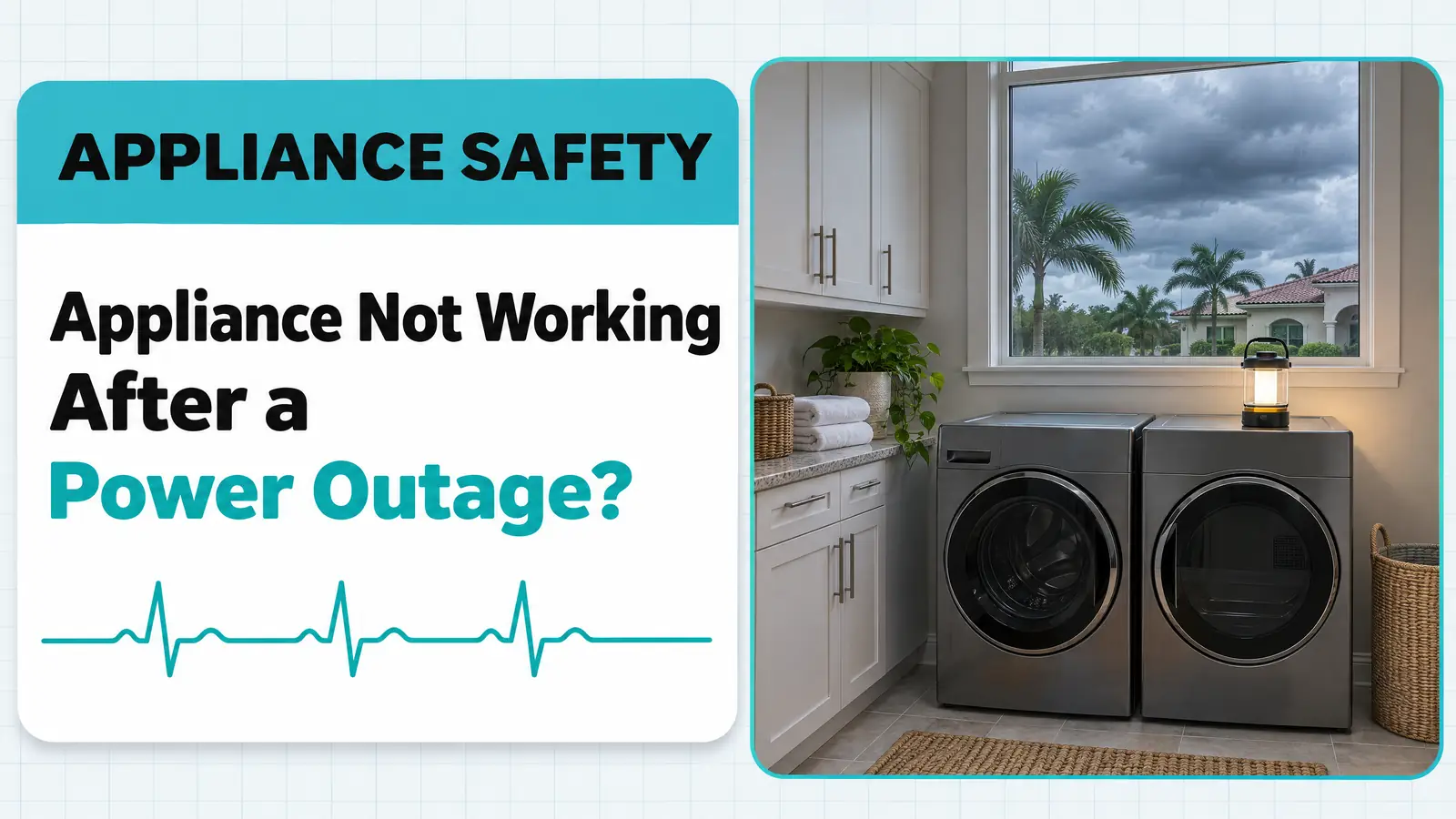
When an appliance is not working after a power outage, the cause is usually a tripped breaker or GFCI outlet, or an electronic control that froze when the power came back. A breaker check and a one-minute power reset bring most of them back. If an appliance stays dead, shows a code that won’t clear or trips the breaker again, a surge may have damaged its control board. Below are the restart order, checks for each appliance, fridge food safety and when to call.
Quick diagnosis
- Several appliances dead, lights on: one or more breakers or GFCI outlets tripped when the power returned.
- Display lit but frozen, or a code: the control locked up. Cut its power for a minute and try again.
- Works but acts wrong (no heat, no cooling): half of a 240-volt breaker, or a mode the outage switched on.
- Dead after a reset with good power at the outlet: likely surge damage to the control board or a fuse inside the appliance.
- Fridge back on after hours off: check the food against FoodSafety.gov’s 4-hour and 48-hour rules before you check the fridge.
Triage
- Stop using it now: a burning or hot-plastic smell, scorch marks at a plug or outlet, a breaker that trips again as soon as you reset it, water near an outlet after a storm, or any gas smell from a range or dryer.
- Book a technician: an appliance stays dead with good power at the outlet, a code returns after a power reset, or a refrigerator runs but won’t get cold after a full day.
- Safe to check yourself: breakers, GFCI outlets, plugs, a power reset at the breaker or plug, control lock and modes, and the food in the fridge.
Appliance not working after a power outage: match what you see to the cause
| What you notice | Most likely cause | Who fixes it |
|---|---|---|
| Appliance completely dead, other outlets in the room dead too | Tripped breaker or GFCI outlet | You: reset it |
| Display lit but buttons do nothing | Control froze when power returned | You: one-minute power reset |
| Code on the display (for example F9 on a Whirlpool range) | Control read bad voltage during the outage | You first; technician if it returns |
| Electric dryer tumbles but won’t heat, or range clock works but oven won’t heat | One half of a 240-volt breaker tripped | You: reset fully; electrician if it trips again |
| Fridge display flashes “Power Outage” or an alarm | Normal outage alert | You: acknowledge it and check the food |
| Washer door locked with water inside | Cycle stopped mid-wash; lock holds until it drains | You: restart a drain or spin; technician if stuck |
| Dead with good power at the outlet after a reset | Surge-damaged control board or internal fuse | Technician |
Why are some appliances not working after a power outage?
Two things happen when the power comes back. First, the return can carry a short spike. Ready.gov warns that power may come back with momentary surges or spikes that cause damage, which is why it advises turning off or disconnecting appliances during an outage (Ready.gov). Second, the electronic controls inside modern appliances have to restart cleanly, and sometimes they don’t.
Samsung’s support page says that after an outage a refrigerator’s electronics may need a reset, and gives the fix: unplug it and wait 1 to 5 minutes (Samsung). Whirlpool explains the same thing for ranges: “noise” on the power line during an outage can make the control read the voltage as wrong and show an F9 code (Whirlpool). That kind of lock-up needs no parts. A surge that burns out a component on the board does.
Check these first (no tools), in this order
Before you touch anything
- If there is standing water near outlets, cords or the panel after a storm, don’t touch them. Keep the power off to that area and call an electrician.
- Any smell of gas near a range or gas dryer: leave the house, then call 911 and your gas utility from outside.
- Run a generator only outdoors. Ready.gov says generators and fuel belong outside, at least 20 feet from windows, doors and attached garages, because of carbon monoxide.
- Wait for the power to settle. Utilities often restore power in stages, and it can flicker. If you switched appliances off during the outage, leave them off until the lights have been steady for a while, then turn them back on one at a time rather than all at once.
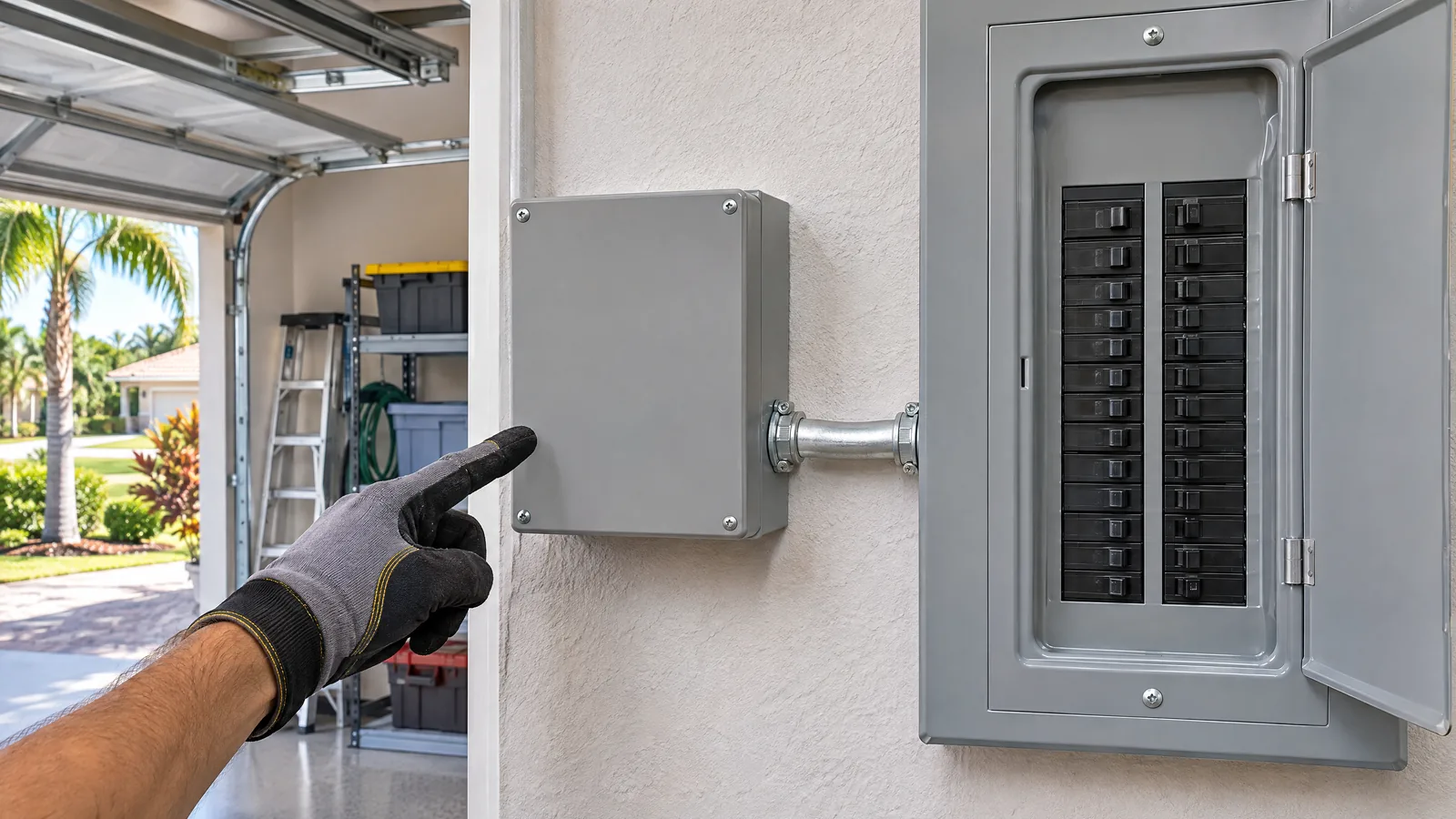
- Walk the breaker panel. Look for any breaker that sits in the middle position or won’t stay fully on. Samsung lists both as signs of a tripped breaker. Switch it fully off, then on. Ranges, electric dryers and some ovens use double-pole breakers, so one side can trip while the other stays on.
- Reset GFCI outlets. Kitchens, laundry rooms and garages usually have outlets with Test and Reset buttons, and one GFCI can cut power to several outlets downstream. Press Reset firmly on each one. A garage freezer or a refrigerator on a GFCI circuit is easy to miss.
- Test the outlet. Plug a lamp or phone charger into the same outlet. No power means the problem is the circuit, not the appliance. Samsung makes the same point: if the outlet doesn’t work, the issue is electrical.
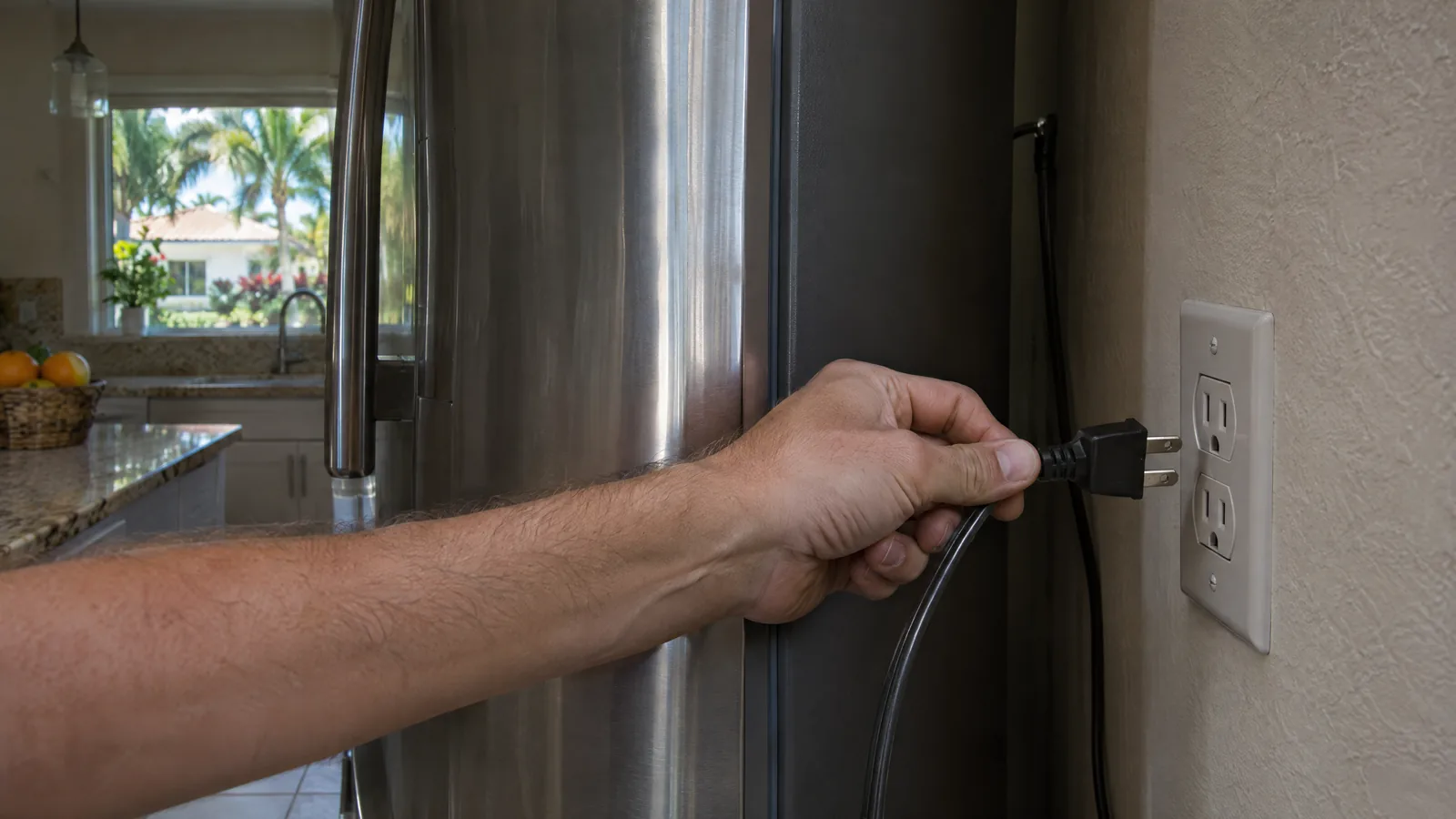
- Do one clean power reset. Unplug the appliance, or switch off its breaker, for at least a minute, then restore power. Don’t press any buttons for the first few seconds while the control starts up; on Whirlpool ranges, pressing keys in the first 10 seconds can itself trigger F9.
- Clear modes the outage left behind. Some controls come back in a mode instead of ready to use. A GE oven that was in Sabbath mode returns to it when power is restored (GE Appliances), and a lock or delay setting may still be active. Check the display for a lock icon or a timer.
If an appliance still won’t start after a clean reset with power at the outlet, it isn’t a setting. That is the point to book a technician, because a dead control after a storm usually needs a board-level diagnosis.
Appliance by appliance: what to check after the power comes back
Refrigerator and freezer
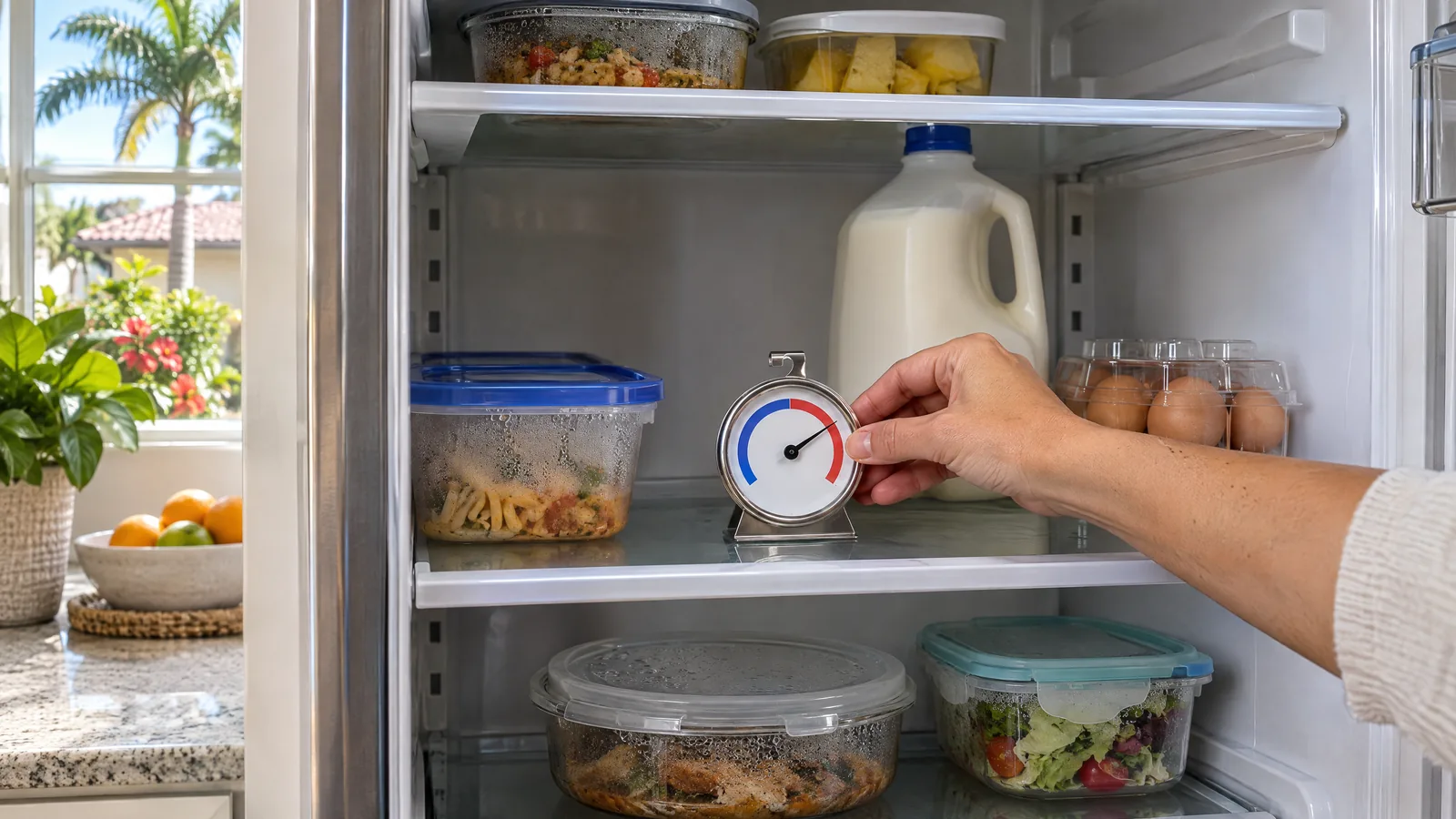
Food first, then the fridge. FoodSafety.gov says a refrigerator keeps food safe for up to 4 hours without power, and perishable food such as meat, fish, eggs and leftovers should be thrown out after 4 hours without power. A full freezer holds a safe temperature for about 48 hours, or 24 hours if it is half full and the door stays shut. Frozen food can be refrozen if it still has ice crystals or is at 40°F or below (FoodSafety.gov).
Some Whirlpool refrigerators show a “Power Outage” alert on the display after power returns; you acknowledge it on the control and it returns to normal operation (Whirlpool). A warm refrigerator needs several hours to pull back down to temperature, so judge it the next day with a thermometer, not by touch.
How a technician confirms a real fault: if the compressor and fans run but the fridge is still warm the next day, they look at the cooling system. If nothing runs at all with power at the outlet, they test the control board’s supply and outputs. Our LG refrigerator not cooling guide walks through the cooling checks in detail.
Range and oven
Check the range breaker first and switch it fully off and on. An F9 or similar code after an outage usually clears with that reset; Whirlpool says to call a qualified electrician if F9 keeps returning, because the outlet may be miswired. On gas ranges, the oven still needs electricity for the igniter and control, so a dead clock means no oven either. If the oven stays dead after a reset, the next suspects are the control board and the thermal fuse.
Washer
A washer that lost power mid-cycle may sit with water in the tub and, on a front-loader, the door locked. The lock is a safety device: don’t force it. After a power reset, select a drain or spin cycle so the washer can empty and release the lock. If it won’t drain, our guide on how to drain a broken washing machine covers emptying it safely.
Dryer
An electric dryer that tumbles but stays cold after an outage is the classic sign of one half of its double-pole breaker tripping. Reset it fully. If the heat still doesn’t return, the thermal fuse or heating element may have failed. Gas dryers need 120-volt power for the drum and igniter, so check the plug and outlet as well as the gas supply.
Dishwasher
Many dishwashers are hard-wired or plugged in under the sink, sometimes behind a wall switch. Check the breaker, the switch and the GFCI, then do a power reset. If the lights come on but it won’t start, a control lock or delay is often the cause; our dishwasher not starting guide covers the order of checks.
How do Florida storms damage appliances, and how do you protect them?
Florida’s hurricane season runs from June 1 to November 30 (National Hurricane Center), and summer thunderstorms add outages and lightning the rest of the year. The appliance risk is less the outage than the restoration, when power can come back in spikes. Ways to cut that risk:
- Switch off at the breaker during an outage. Ready.gov advises turning off or disconnecting appliances so the surge on restoration doesn’t reach them. For hard-wired or 240-volt appliances, the breaker is the only practical switch.
- Consider whole-house surge protection. The Electrical Safety Foundation notes that the 2020 National Electrical Code began requiring surge protection in homes to protect large appliances and equipment (ESFI). Older homes often don’t have it. A licensed electrician installs it at the panel.
- Use plug-in surge protectors only where they belong. Small electronics, yes. Large appliances should plug straight into their own outlet unless the manufacturer says otherwise.
- Freeze ahead. A full freezer holds its temperature twice as long as a half-full one, per FoodSafety.gov. Before a named storm, fill empty space with frozen water containers.
Prognosis: control board repair costs and the repair-or-replace call
When an appliance doesn’t survive a surge, the failed part is usually the electronic control board. Replacement prices from two named cost guides:
| Appliance | Control board replacement | Source |
|---|---|---|
| Refrigerator | $400 to $750 | HomeGuide |
| Washing machine | $350 to $550 (HomeGuide); $250 to $400 (Fixr) | HomeGuide, Fixr |
| Dryer | $250 to $500 | HomeGuide |
| Dishwasher | $200 to $600 | HomeGuide |
| Oven or range | $150 to $600 (HomeGuide); $200 to $600 (Fixr) | HomeGuide, Fixr |
Prices vary by brand, model and part availability. Not every dead appliance needs a board: a blown fuse or a loose connection can look the same, which is why a diagnosis comes before any quote. A technician gives you the price before any work starts.
Prognosis: repair or replace?
- Repair: a newer appliance where only the board or a fuse failed. The rest of the machine took no damage, and a board is a single-part fix.
- Think it over: an older appliance where the board quote approaches half the price of a comparable new one, especially if it had other problems before the storm.
- Check your coverage: some homeowner’s insurance policies and home warranties treat surge damage differently. Ask before you pay for a repair, and keep the technician’s written diagnosis.
When to call a technician
Call when an appliance stays dead with power at the outlet after a clean reset, when a code keeps coming back, when a refrigerator runs but is still warm the next day, or when anything smells burnt. We diagnose storm and surge problems across Tampa Bay, Orlando, Jacksonville and Sarasota, on all major brands including Samsung, Whirlpool and GE, with same-day appointments in most cases.
Frequently asked questions
How do I reset my appliances after a power outage?
Unplug the appliance or switch off its breaker for at least a minute, then restore power and wait a few seconds before pressing any buttons. Samsung suggests 1 to 5 minutes unplugged for a refrigerator. Restart appliances one at a time, and check breakers and GFCI outlets first, since a tripped circuit looks the same as a dead appliance.
Why are some appliances working and others not after an outage?
Each appliance sits on its own circuit, and only some breakers or GFCI outlets may have tripped when power returned. The ones still dead are usually on a tripped breaker, a tripped GFCI, or one side of a double-pole breaker. If the circuit is live and one appliance stays dead, its control may have taken a surge.
Can a power surge damage a refrigerator?
Yes. The compressor, fans and especially the electronic control board can be damaged when power returns with a spike. Ready.gov warns that restored power can arrive with surges that damage equipment. If the fridge stays dead after a reset with power at the outlet, or runs but won’t cool after a day, have it diagnosed.
How long after a power outage should I wait to plug things back in?
There’s no single rule. The sensible approach is to wait until power has been steady for a while rather than the first moment the lights come on, then turn appliances back on one at a time. That keeps them clear of the flickers and spikes that often follow restoration.
Does insurance cover appliances damaged by a power surge?
It depends on your policy and any home warranty. Some cover lightning or surge damage, some exclude it, and deductibles vary. Call your insurer before the repair, and ask the technician for a written diagnosis that names the failed part and the likely cause.
Appliance Doctor Pro
Still dead after the storm? Get it diagnosed.
A technician will find out whether it’s a fuse, a connection or the control board, explain the repair and give you the price before any work begins. Repairs carry our 90-day repair warranty, and we’re open 7 days a week.
General information for homeowners. Reset steps, alerts and codes differ by brand and model, so check your owner’s manual. Electrical work at the panel, including surge protectors, is for a licensed electrician.
Sources
- Ready.gov: Power Outages
- FoodSafety.gov: Food Safety During Power Outage
- Samsung: Restore power to your Samsung refrigerator
- Whirlpool Product Help: Not Working After Power Outage, Electric Range
- Whirlpool Product Help: What to Do During a Power Outage
- GE Appliances: Range and Wall Oven Sabbath Mode
- Electrical Safety Foundation International: Surge Protection
- National Hurricane Center: Tropical Cyclone Climatology
- HomeGuide: Refrigerator repair cost
- HomeGuide: Washing machine repair cost
- HomeGuide: Dryer repair cost
- HomeGuide: Dishwasher repair cost
- HomeGuide: Oven repair cost
- Fixr: Washing machine repair cost
- Fixr: Oven repair cost