 Skip to content
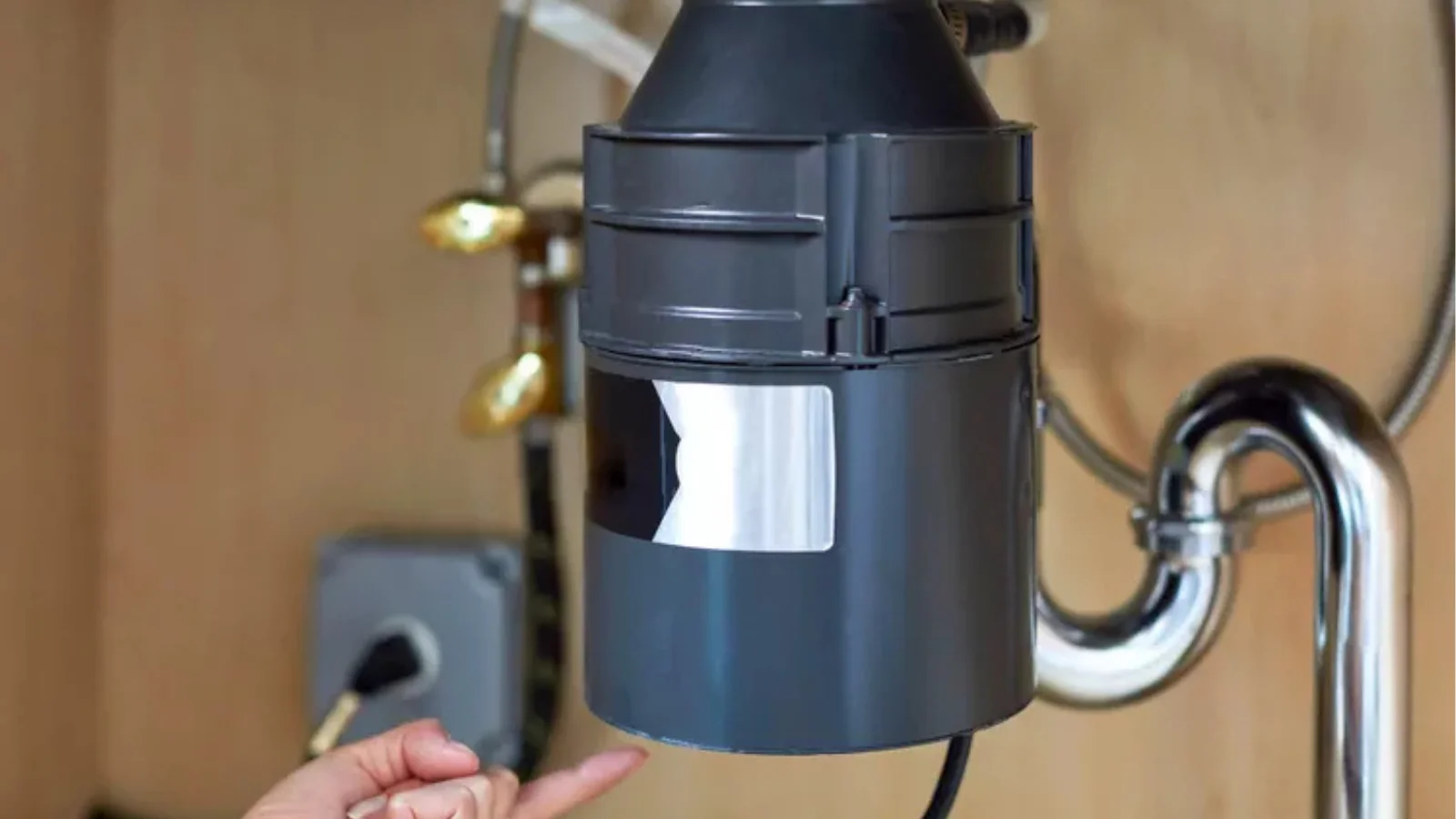
A garbage disposal is a small machine under your sink. It grinds food waste into tiny pieces so it can wash away. Sometimes it stops working and won’t turn on. Many people worry when this happens. The good news is that the problem may be small. In most cases, you only need to reset it. That is simple.
Most garbage disposals have a built-in reset button. This small button is made to protect the motor from damage. When the machine shuts off, pressing this button can bring it back to life. Learning how to reset garbage disposal on your own saves time, money, and stress before calling for repairs.
Why Your Garbage Disposal May Need a Reset
Garbage disposals have a safety button. This button shuts off the unit when there is a problem. It keeps the motor from burning. Sometimes the disposal stops because it gets too hot. Other times food or a spoon may jam the blades. If the wires lose power, the reset button also trips. Resetting can fix this.
A reset is also needed when the disposal works harder than normal. If too much food is pushed in at once, the motor can overload. The reset button helps by turning the machine off before it breaks. This way, the disposal stays safe and lasts longer with less chance of serious damage.
Step-by-Step Guide: How to Reset Garbage Disposal
1. Turn Off Power First
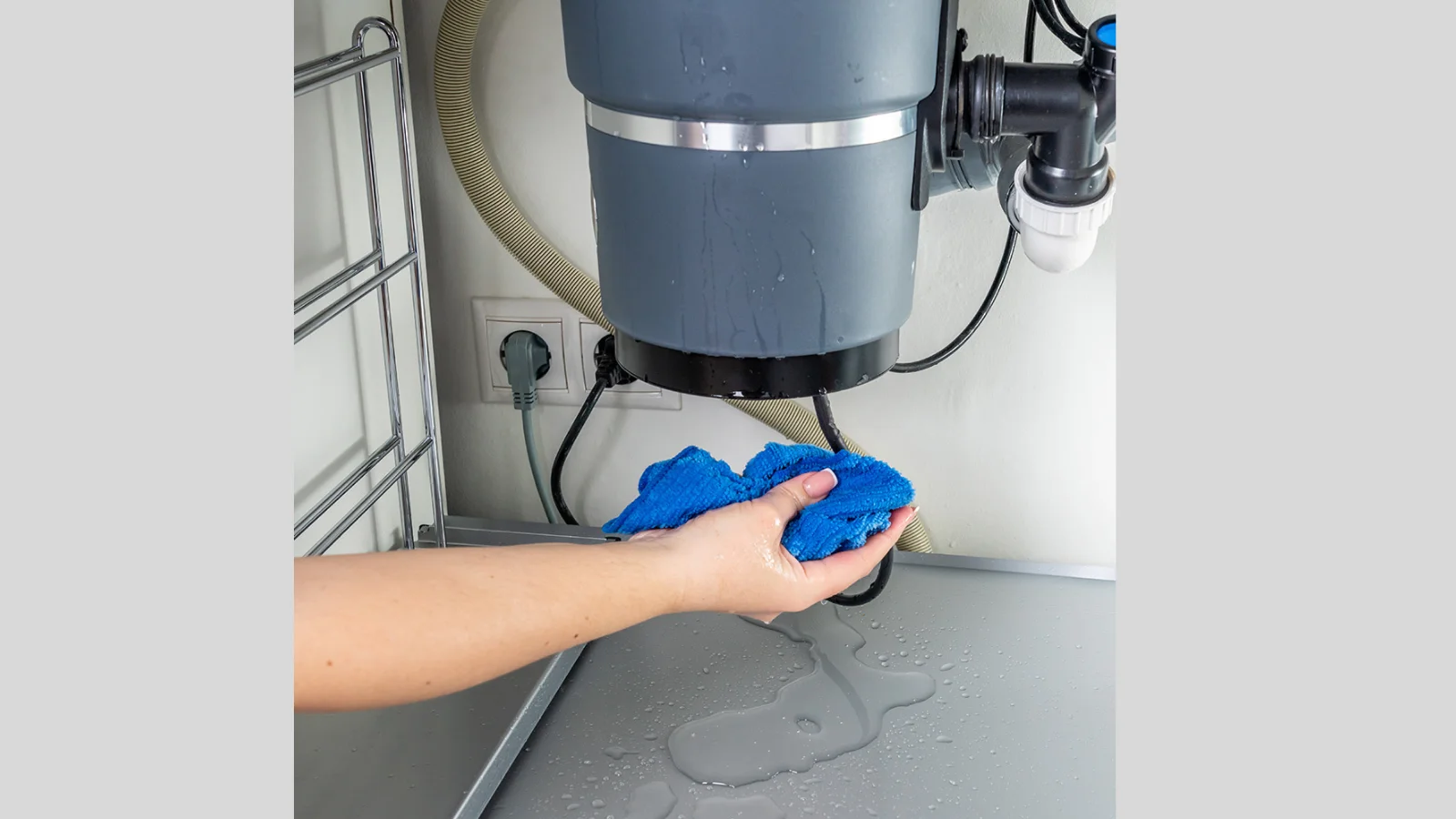
Safety is always most important. Before you do anything, turn off the switch on the wall. If your disposal has a plug, pull it out. If not, switch off the circuit breaker in the box. Never put your hand inside while it has power. Even if it looks dead, treat it as live.
2. Locate the Reset Button
Look at the bottom of your garbage disposal. Most models have a small red button. Sometimes it is on the side. This button is the reset. It may look round and flat. If you cannot see it right away, use a flashlight. The button is small, but it is easy to push.
3. Press the Reset Button
Once you find the button, press it. Hold for two to three seconds. You may feel or hear a click. That means it is set again. If it does not click, try again. Do not use much force. A gentle push is enough. After pressing, wait a short time before you turn power back on.
4. Restore Power
Now plug the unit back in. If you turned off the breaker, switch it back on. Make sure the wall switch is in the off position before doing this. Restoring power brings the disposal back to life. Once this step is done, the machine is ready to test again.
5. Test the Garbage Disposal
Run cold water from the tap. Keep the water running and flip the switch. The disposal should start to spin. Listen for the sound of the blades. If it works, the reset fixed your problem. If it does not start, turn it off again. There may be another issue that needs attention.
Safety Tips When Handling Garbage Disposals
- Never put your hand inside. The blades are sharp and can cut you even when the power is off.
- Always switch off the power first. Unplug the unit or flip the circuit breaker before touching the disposal.
- Use tools, not hands. Tongs or pliers are safe for pulling out stuck food or small objects.
- Run only cold water. Cold water keeps grease hard so it can grind and wash away.
- Avoid using hot water. Hot water melts grease, and melted grease can stick inside pipes.
- Keep children away. Children may play with the switch or reach inside, which is dangerous.
When to Call a Professional for Garbage Disposal Repair
If your garbage disposal stops often, the motor may be weak. If it leaks water from the sides or bottom, call a repair person. A burning smell means the motor is in danger. If the reset button pops out again and again, the unit may be near the end of its life. At this point, a professional repair is safer.
Sometimes, even knowing how to reset garbage disposal is not enough. If the unit stays dead or keeps tripping after every use, it may need expert care. A trained technician can check wiring, replace worn parts, or guide you on whether a new disposal is the better option.
Preventive Maintenance Tips for Long-Lasting Garbage Disposal
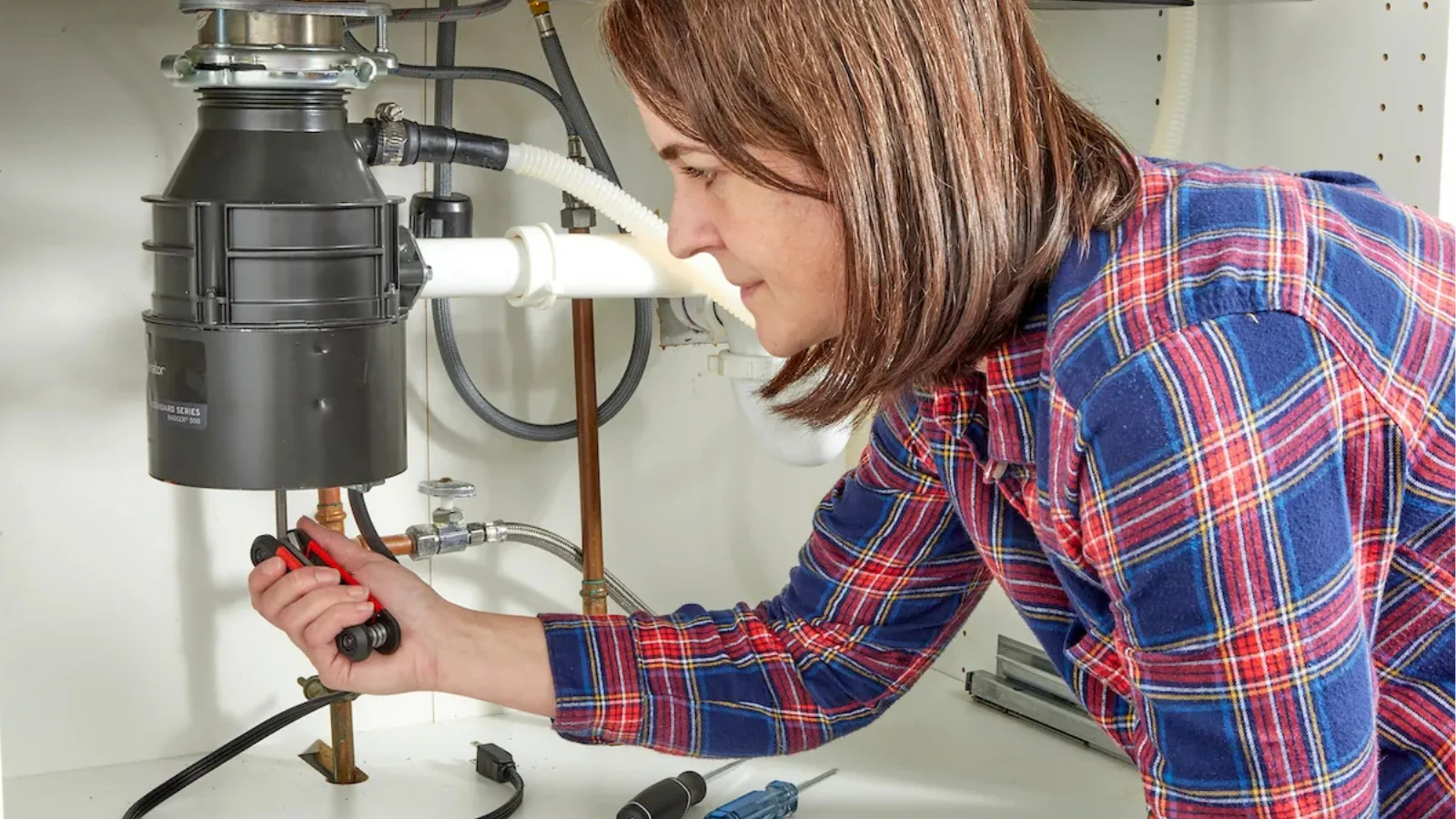
Use your garbage disposal every day to keep it working smoothly. Run cold water while grinding food, as this helps wash waste down and prevents clogging. Do not put grease, large bones, or fruit pits inside because these items strain the motor. Avoid stringy foods like celery, onion skins, or corn husks, which can tangle the blades.
Once a month, clean the disposal by grinding ice cubes with lemon peel or a little baking soda. This sharpens the blades, removes odors, and stops bacteria from building. Also, check the sink drain regularly to ensure water flows freely. Simple habits like these make your garbage disposal last longer and reduce the chance of sudden breakdowns.
Conclusion
Knowing how to reset garbage disposal is a simple skill. Most problems come from small issues like jams or overheating. With a few easy steps, you can fix it in minutes. If it still does not run, the problem may be bigger. Do not risk injury or damage. Call Appliance Doctor Pro for fast, safe, and expert garbage disposal repair today. Always remember that quick action can save your machine from costly damage. A working disposal also keeps your kitchen clean and free of bad smells.
Frequently Asked Questions
Why does my garbage disposal keep needing to be reset?
If the disposal trips often, the motor may be overworked. It may be too small for the load. A jam or old age can also cause this. Resetting again and again is a sign it needs repair.
How often should I reset my garbage disposal?
Most people never need to reset often. It should only be used when the unit shuts off by itself. If you reset once in a while, that is normal. But if it happens every week, there is a deeper problem.
Can I reset garbage disposal without pressing the button?
No. The only way to reset is with the button. Turning off power does not reset it. If the button will not work, it may be broken inside. In that case, a repair or new unit is needed.
What if the reset button won’t stay in?
This means there is a serious problem. The motor may be burned or wires may be damaged. Do not keep pushing. This can cause more harm. It is better to stop and call a repair service.
